Can a Collision Occur During ZIP Password Recovery?
Yes, collisions are possible, though rare.
Accent ZIP Password Recovery reliably detects a collision, informs the user about it, and continues searching for a valid password. The application doesn’t show collision passwords.
When a password is displayed, it means that it is valid for the archive.
A collision occurs when the checksum (CRC32) of the unpacked file exactly matches the reference checksum, but the size of the file is different from the one specified in the archive header. That is, unpacking the file using the seemingly suitable collision password was unsuccessful.
Here is a video showing how to use AccentZPR for dictionary attack
Get more video-tutorials on our YouTube channel
Frequently Asked Questions
A dictionary attack is a password recovery method that systematically tests passwords from a predefined list of common words, phrases, and password combinations. Instead of trying every possible character combination (brute force), it uses dictionaries containing millions of likely passwords based on real-world patterns, leaked password databases, and common user behaviors. This method is significantly faster than brute force when users choose predictable passwords.
Accent ZIP Password Recovery allows you to create custom dictionaries with your likely password variants and apply mutations (change case, substitute characters like E→3, combine multiple word lists) to cover probable variations without testing unnecessary combinations. This targeted approach dramatically reduces recovery time.
The same principles work across all Passcovery products – see practical example for Apple iOS backup recovery (though it uses Passcovery Suite, the dictionary mutation interface and principles are identical).
You cannot directly view a ZIP file password as it's encrypted. To access a password-protected ZIP archive, you need password recovery software like Accent ZIP Password Recovery. The software uses various attack methods (dictionary, brute force, mask attack) to recover the original password. Once found, the password is displayed, allowing you to extract the archive contents. The recovery time depends on password complexity and the attack method used.
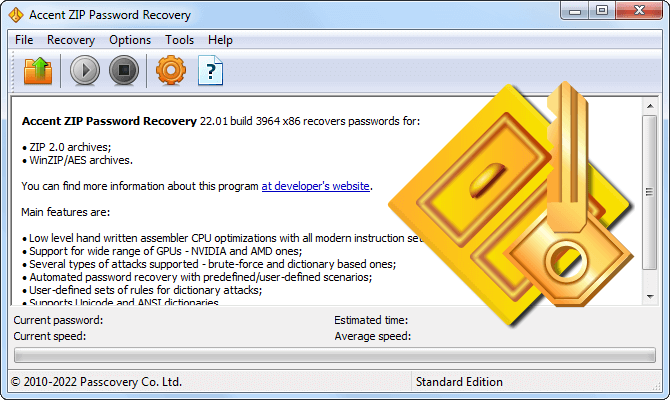
Performance tip: Accent ZIP Password Recovery supports GPU acceleration on AMD, NVIDIA, and Intel graphics cards, significantly speeding up the recovery process. Check the graphics cards performance rating to estimate recovery speed for your hardware.
RAR password recovery requires specialized software that can handle RAR encryption. Use tools like Accent RAR Password Recovery, which offers multiple attack methods: dictionary attack (tests common passwords), mask attack (if you remember part of the password), and brute force attack (tests all combinations). RAR archives use strong AES-256 encryption, making recovery time-intensive for complex passwords. The success rate depends on password length and complexity.
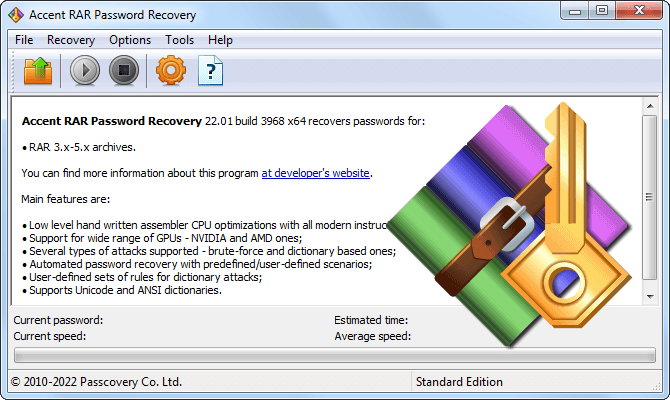
Performance tip: Accent RAR Password Recovery also supports GPU acceleration on AMD, NVIDIA, and Intel graphics cards, significantly speeding up the recovery process. Check the graphics cards performance rating to estimate recovery speed for your hardware.