
Forgot Your Excel File Password?
Accent EXCEL Password Recovery is guaranteed to remove protection or recover your Password to Open
Instantly: Password to Modify, Protect Sheet, Protect Workbook (Structure), VBA Project Protection.
Fast (CPU-optimized): Password to Open (Encrypt with Password).
For all Microsoft Excel 6–2024 versions, including Microsoft 365: xls, xlsx, xlsm, xlsb.
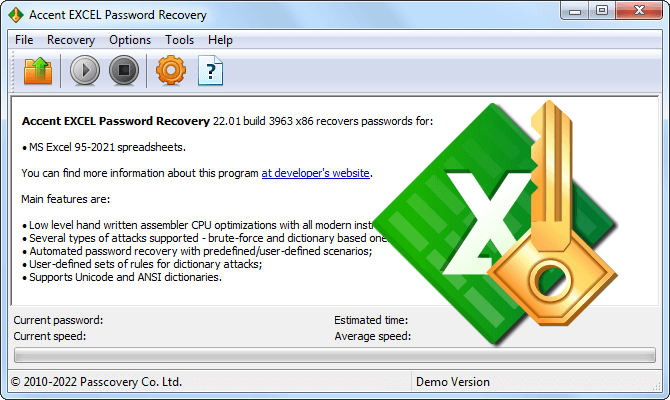
Excel Password Recovery Methods in AccentEPR
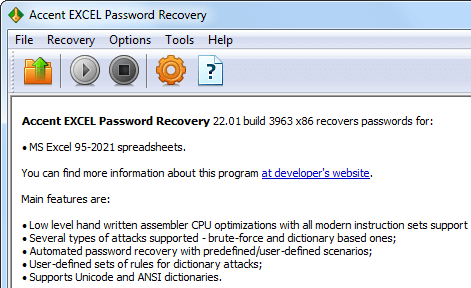
Supported File Formats
AccentEPR supports every version of Microsoft Excel, from Excel 6 through Excel 2024 and Microsoft 365. The level of protection depends on the version: Excel 97–2003 (.xls) uses weak RC4 encryption, while Excel 2007 and later (.xlsx, .xlsm, .xlsb) employs AES-128 or AES-256 with thousands of hashing iterations (PBKDF2 key stretching). This directly affects how fast the Password to Open can be recovered.
How to tell which version you have? Check the file extension: .xls means 97–2003, .xlsx/.xlsm/.xlsb means 2007 or later. AccentEPR detects the format and encryption method automatically when you open the file.
View full version and encryption table
Instant Recovery and Removal
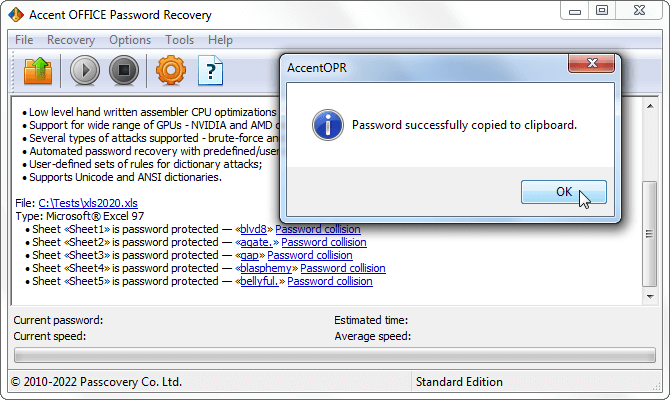
Sheet protection (Protect Sheet), workbook structure (Protect Workbook), edit restrictions (Password to Modify), and VBA project passwords do not encrypt the file contents. They are stored as hash values inside the document structure. AccentEPR removes them instantly, with no brute-force search, regardless of password length or complexity.
This is the key difference from the Password to Open, which encrypts the entire file and requires a full brute-force attack to recover.
Password to Open: Recovery Speed
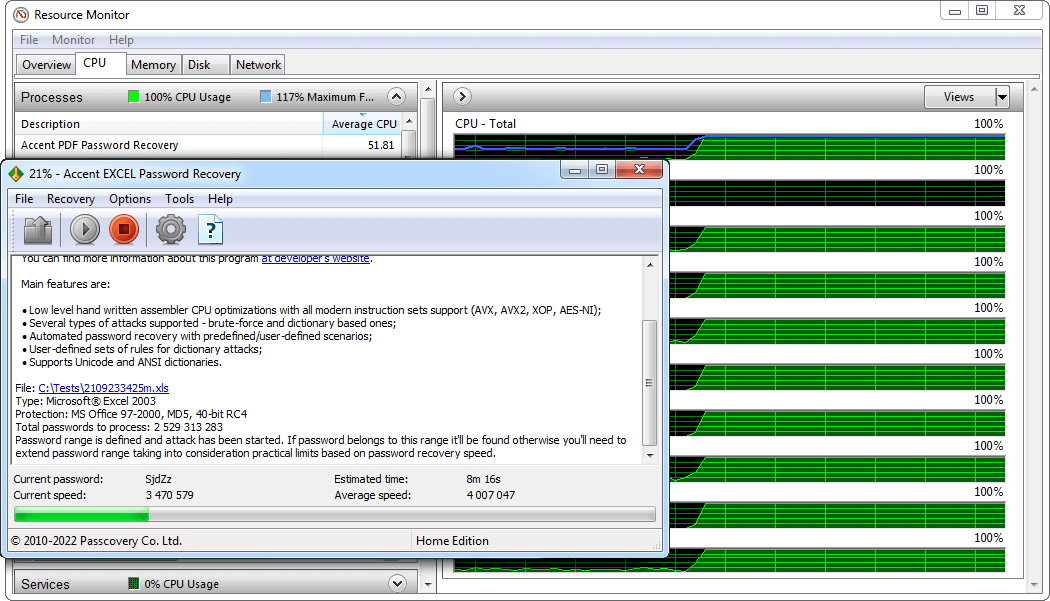
Recovering the Password to Open means testing candidates from a defined range, and the speed depends on the file's encryption. With Excel 97–2003 and its RC4 cipher, AccentEPR runs through tens of millions of passwords per second. With Excel 2007+ and AES-128/AES-256 plus PBKDF2, that number drops to thousands per second.
Three factors determine overall recovery time: Excel version, password complexity, and processor performance. Performance-critical sections of AccentEPR are hand-optimized in assembly for specific Intel and AMD processor families.
For Excel 2007–2024 files, recovery speed can be increased using NVIDIA, AMD, or Intel GPUs. GPU acceleration is available in Accent OFFICE Password Recovery.
Compare speeds across CPUs
Narrowing the Search with a Positional Mask
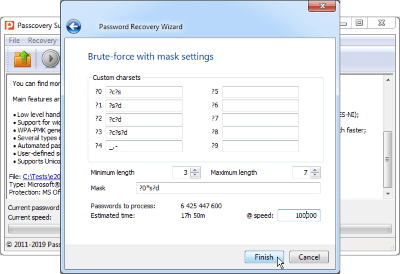
If you remember part of the password, a positional mask can cut the search space by hundreds of times. You specify the allowed characters for each position, and AccentEPR only tests combinations that match.
For example, a targeted mask for an 8-character password (?0*s?d?d – letters and digits) reduces the search space from 218 trillion down to 61 billion candidates. What would take months of exhaustive brute-force fits into hours. This estimate is based on the Excel 97–2003 format.
Testing Real-World Passwords with Dictionary Mutations
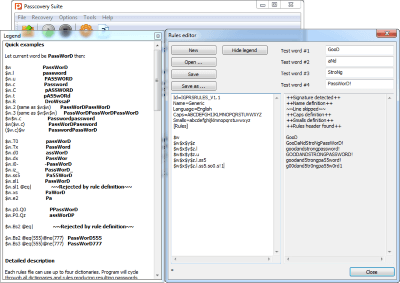
Many passwords are built from words, names, or dates already found in common dictionaries. AccentEPR loads up to four dictionaries at once, combines them, and applies mutation rules: capitalize the first letter, append a year, swap a for @, and more, over 20 mutation types in total. This approach finds compound passwords like My$tr0ng20Zb far faster than exhaustive brute-force.
A preview window shows the mutation output before you launch the attack.
Automating Recovery with Attack Scenarios
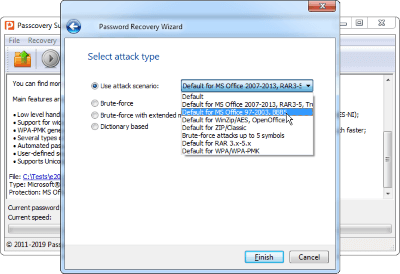
When you are not sure which method will work, you build a scenario with any combination of attacks. Any type, any order, any number of steps. AccentEPR runs them one after another and stops as soon as the password is found. No manual switching between attacks.
All Accent EXCEL Password Recovery Features
Remove and Recover Excel Passwords
- All Microsoft Excel versions from 6 through 2024, including Microsoft 365
- Instant removal of Sheet, Workbook, Modify, and VBA protection passwords
- Fast CPU-based recovery of the Password to Open
Search Methods
- Three attack types: brute force, positional mask, dictionary with mutations
- Custom attack scenarios with any combination of attacks in any order
- Built-in character sets for national alphabets in brute-force attacks
- Multilingual dictionary support: Unicode, UTF-8, and ANSI
- Flexible search range control by position, length, and character set
Usability and Security
- Auto-save progress to resume from where you left off
- Fully offline: your files never leave your computer
- Windows GUI and command-line interface
- Consistent interface and workflow across all Passcovery products
- Interface available in eight languages
- Windows 11/10
AccentEPR Demo Version
The demo includes every feature of AccentEPR. You can open your file, run an attack, and confirm that the program finds the password. The first two characters of the result are displayed.
Demo Limitations
- displays only the first 2 characters of the recovered password
- each attack runs for a maximum of 30 minutes
- no attack progress saving
To remove these limitations, purchase a license and activate the program.
Accent EXCEL Password Recovery Licenses
-
Home LicenseBusiness License
-
Supporting Microsoft Excel 6-2024
-
1 year of free updates
-
Free technical support
-
Internal corporate use
-
Single PC License40$/first year*60$/first year*
All payment transactions are secure and completely confidential. You can pay using various online and offline methods. The full list depends on your region and is available on the order page.